Vida is a financial platform that allows lenders to determine a customer's creditworthiness by going through their bank statements and credit history.
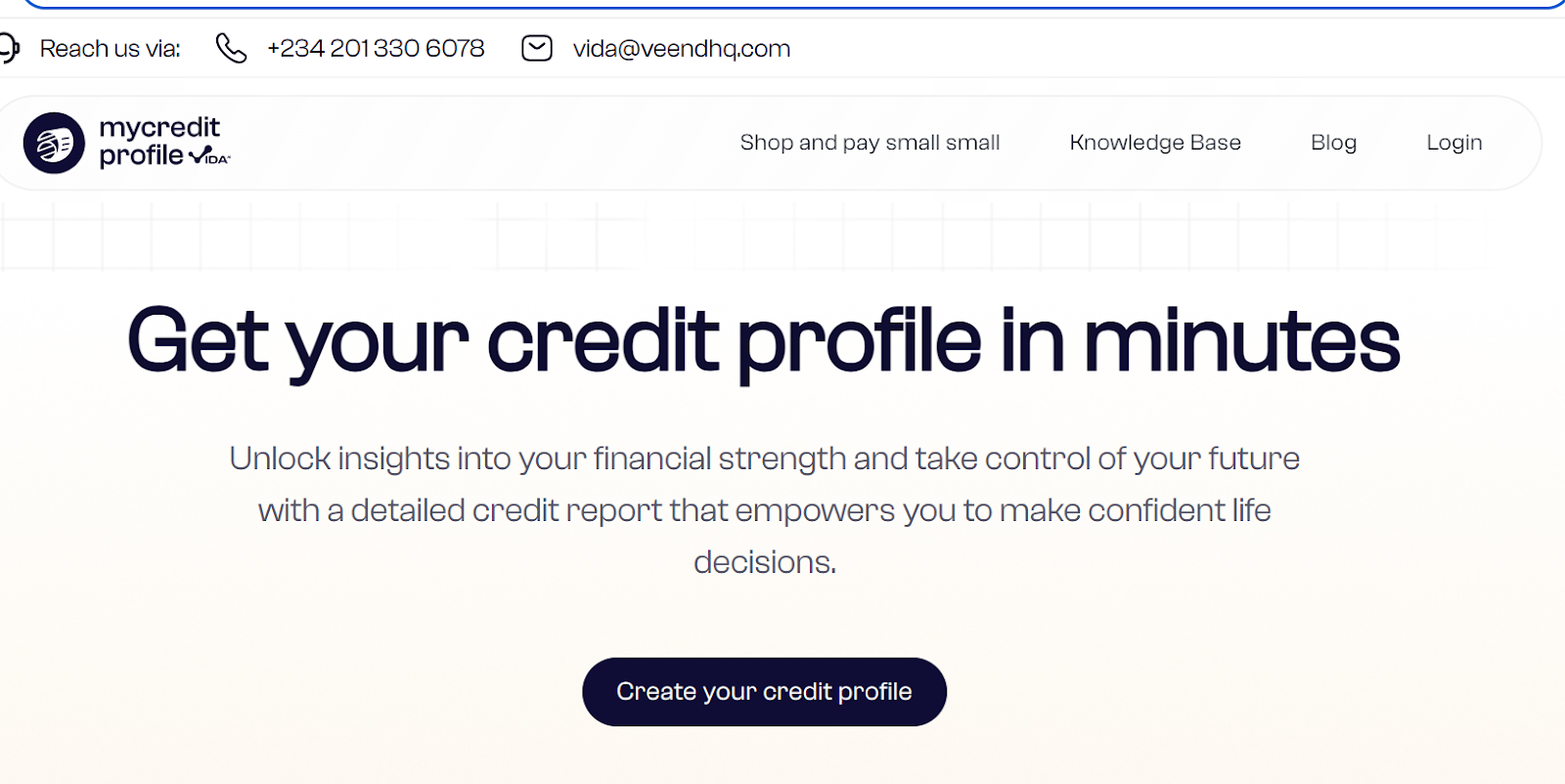
Click here to get started https://mycreditprofile.me/
What are the requirements needed for creating an account on Vida?
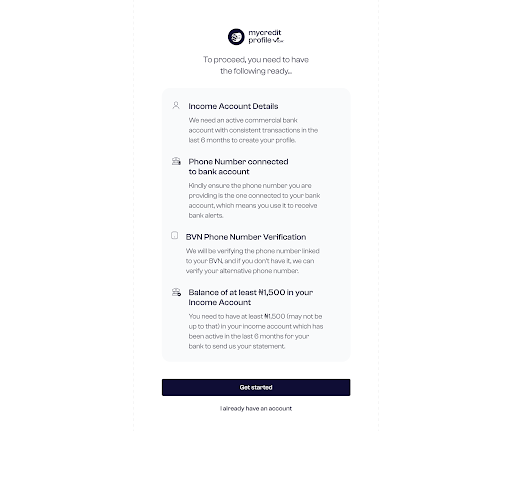
The requirements needed for creating an account on Vida include the following
Income Account Number
Phone Number Connected to bank account
BVN Verification
Balance of N1,500 in the customer’s bank account.
Click here to get started https://mycreditprofile.me/
What are the step-by-step procedures of creating an account on Vida?
The step-by-step process of creating a credit profile on Vida can be simplified in the following steps.
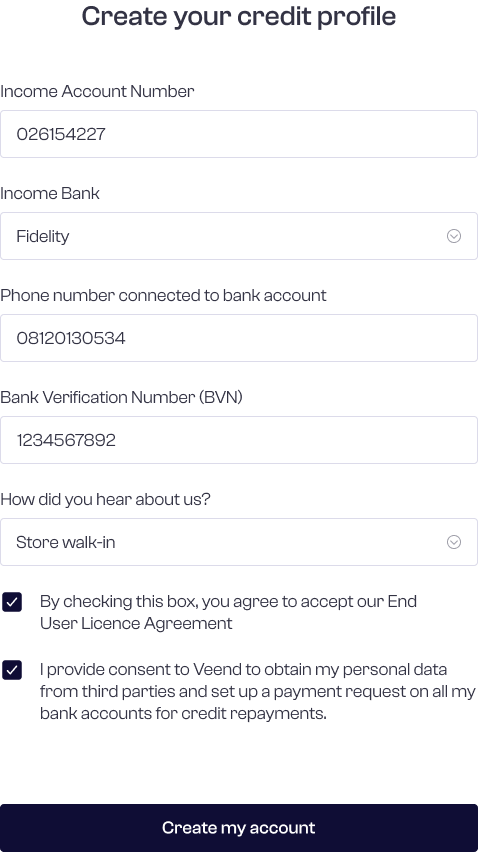
The customer is required to fill in their income account number, name of bank, phone number connected to bank account, BVN, and lastly, the customer is required to fill in how they heard about us.
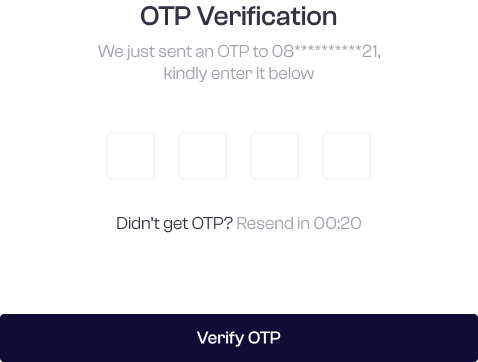
The consumer is sent an OTP to their phone number for verification.
The customer also receives an OTP in their email address for verification.
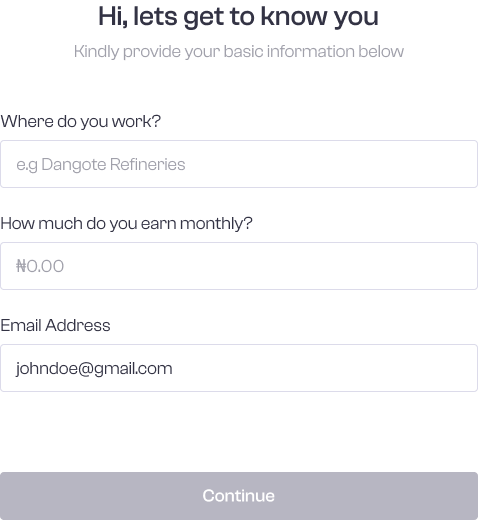
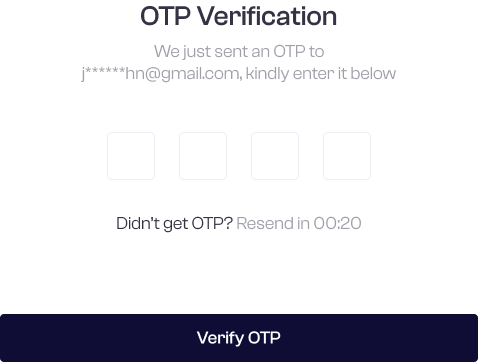
The customer sees the credit profile draft and clicks on View My Credit Profile.
Click here to get started https://mycreditprofile.me/
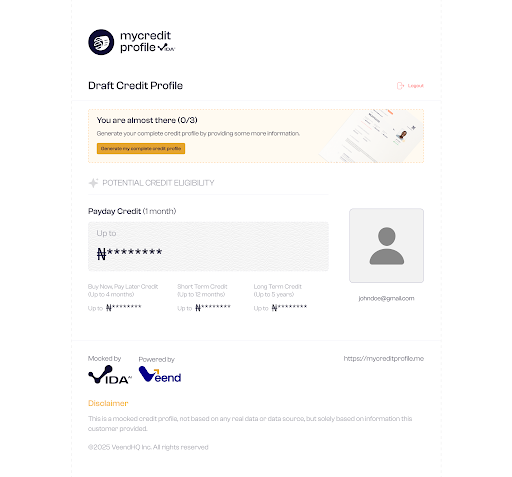
Am I allowed to fill in my Income account check and selfie verification in any order of my choice?
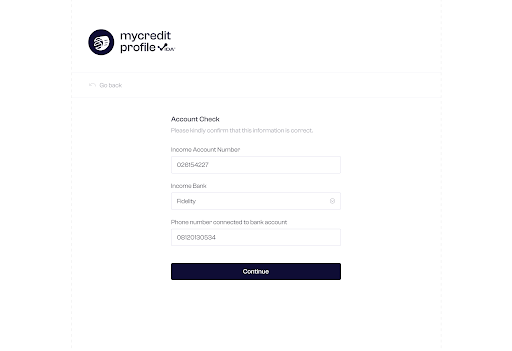
Yes, you can. The customer is allowed to fill in the income check, BVN and selfie account check in any order of their choice as long as it is valid.
For the income account, check that the customer is allowed to provide the account number, bank name, and the phone number linked to the account.
Click here to get started https://mycreditprofile.me/
How much am I expected to pay to retrieve my bank statement?
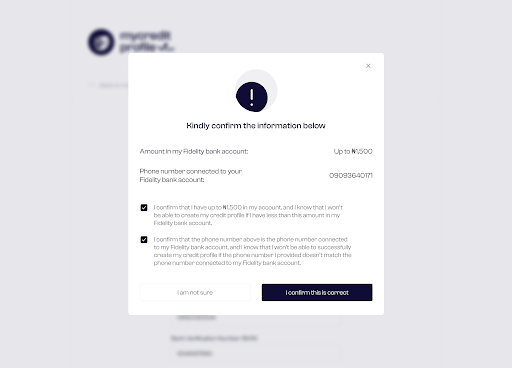
The customer sees a preview of the information he provided, i.e., the phone number connected to the account and confirms that he has up to 1,500 in his account. The 1,500 is the fee needed to get his bank statement from the bank. It may be more or less than 1,500, depending on the bank
and volume of the bank statement.
Click here to get started https://mycreditprofile.me/
What do I need to get my ticket Id and passcode to continue with the account creation process?
Getting your ticket ID and passcode has been made easy for consumers. Kindly use the following steps.
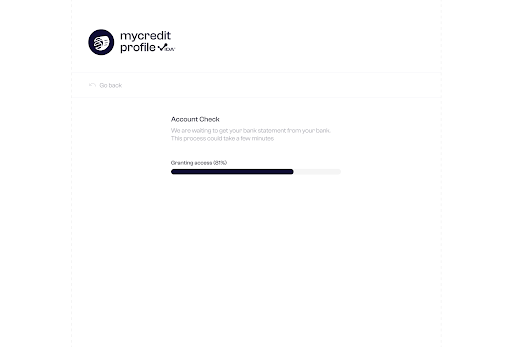
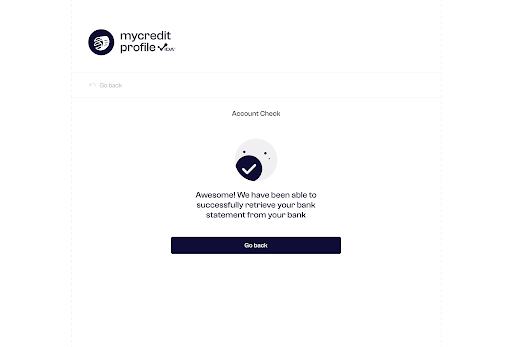
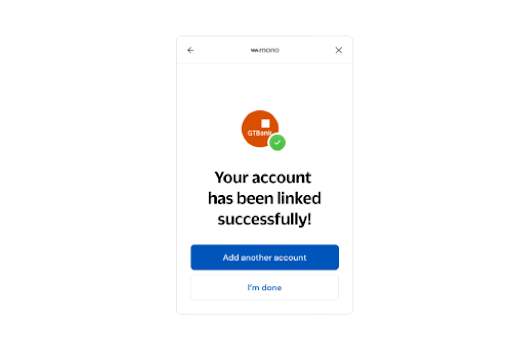
Step 1: The user selects whether they have a mobile banking app to proceed with the account check.
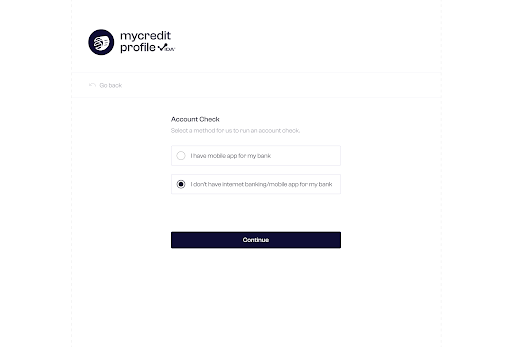
Step 2: If the user does not have a mobile banking app, they receive a Ticket ID and password via their phone number.
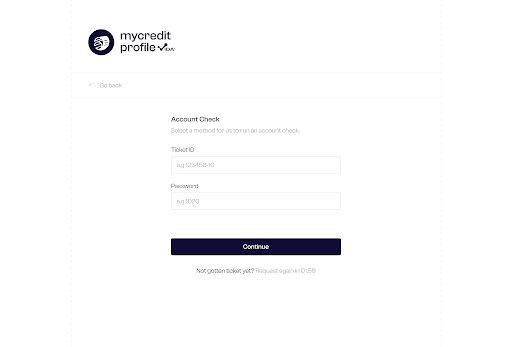
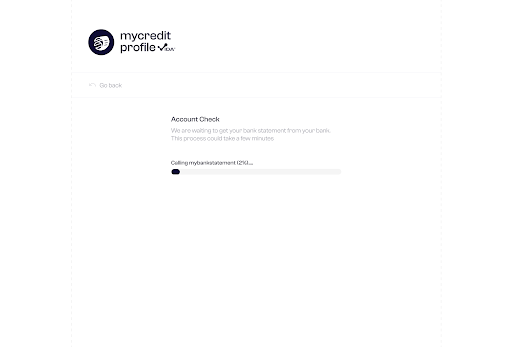
Sep 3: If the customer has a mobile banking app, they select it, and Mono retrieves the bank statement; this option is only available for GTBank and Zenith Bank.
Click here to get started https://mycreditprofile.me/
Can I verify my BVN via any other means apart from my Phone number?
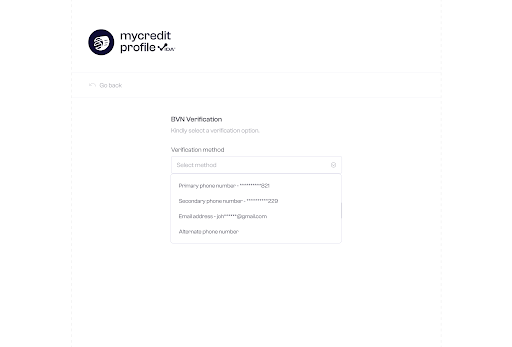
Yes, you can, with Vida, you can verify your BVN via your primary phone number, secondary phone number and via your email address.
Step 1: The customer can verify their BVN using their primary phone number (linked to the BVN), a secondary phone number (any number linked to their bank account), or their email address
.
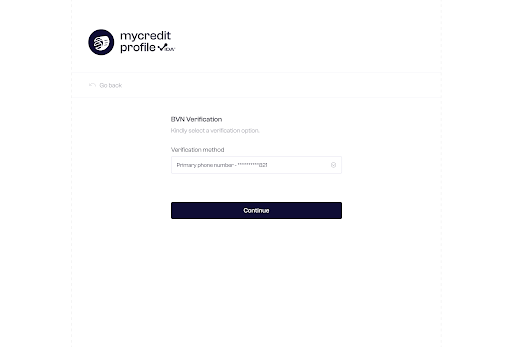
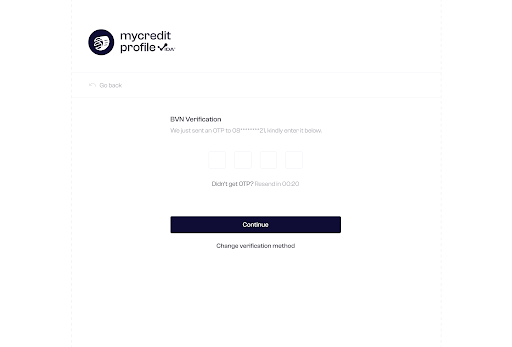
Step 2: If the customer chooses their primary phone number, an OTP is sent to verify that the number belongs to them.
Step 3: The user inputs the OTP.
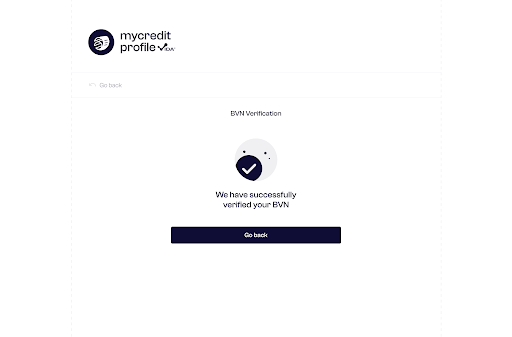
Step 4: The screen shows the result after successful BVN verification.
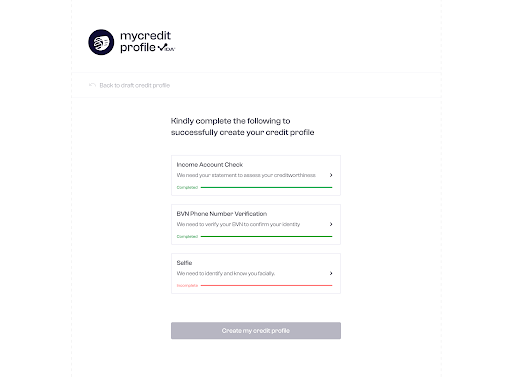
Step 5: After successful BVN verification, the user sees their progress status update from “Incomplete” (red) to “Complete” (green) and can proceed to Selfie Verification; if unsuccessful, the status remains “Incomplete”.
Why do I need to do a selfie verification?
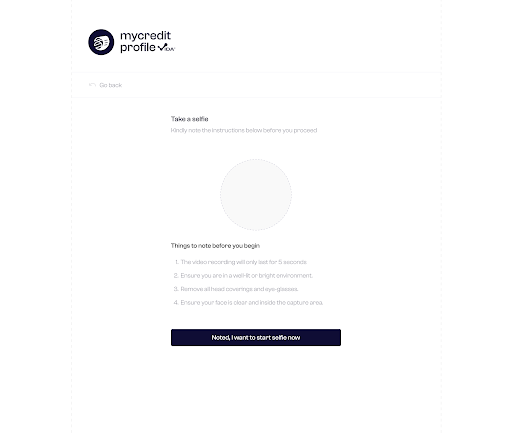
A selfie verification is needed to confirm your identity, prevent fraud and evaluate the consumer. Before starting Selfie Verification, the user is guided to ensure key requirements are met, as shown on the screen.
Step 1: The user clicks the Start button, and the Selfie Verification process begins, lasting about 5 seconds.
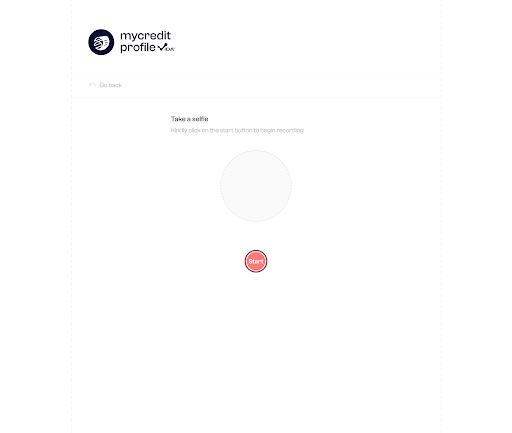
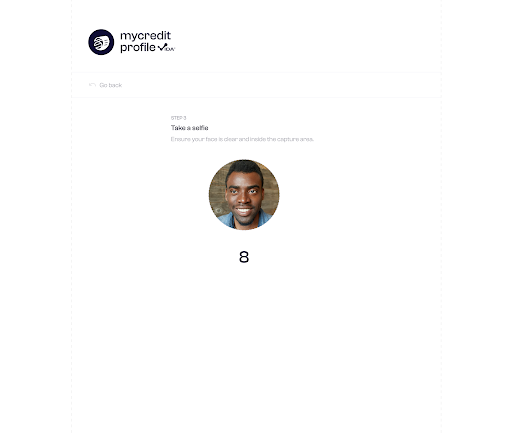
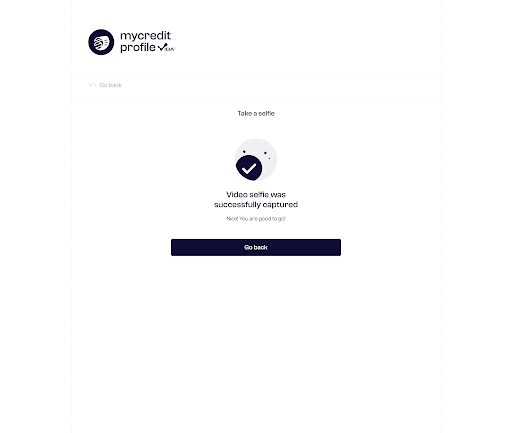
Step 2: The user views their selfie and receives a message confirming successful verification.
Step 3: Click on “Go Back”.
Step 4: The customer is notified that their data is being compiled.
Step 5: The customer’s credit profile is generated and displayed.
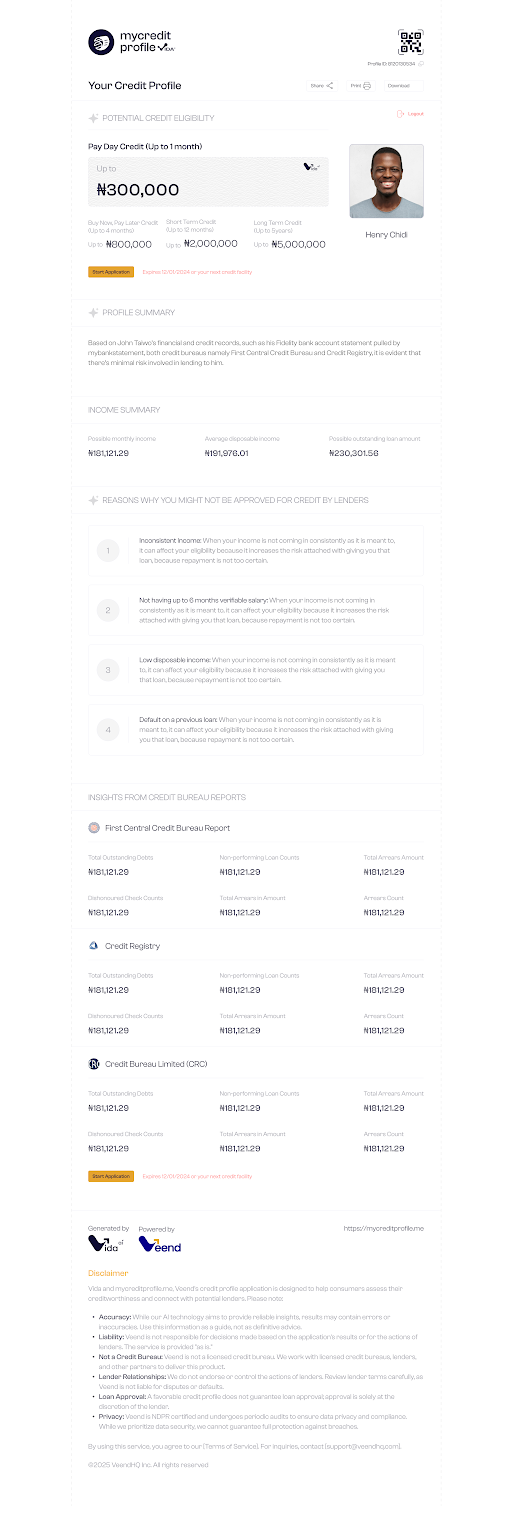
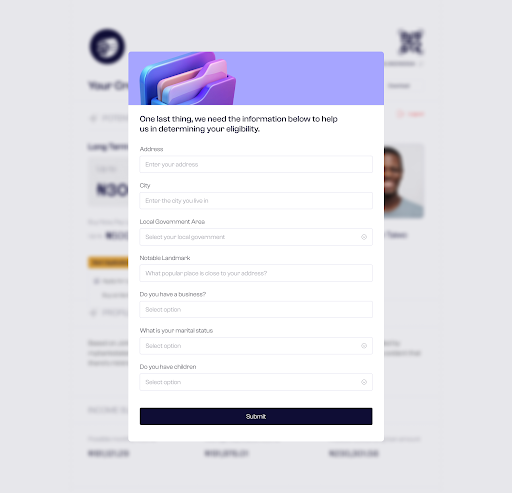
Sep 6: Finally, the customer is asked to provide all the required information displayed on the screen.
Was this article helpful?
That’s Great!
Thank you for your feedback
Sorry! We couldn't be helpful
Thank you for your feedback
Feedback sent
We appreciate your effort and will try to fix the article