Veend’s loan application via our website allows you to apply for a loan online from anywhere, without visiting a branch. It is fast, secure, and convenient.
How to Apply for a Loan via the Website
To apply for a loan through our website, kindly follow the steps below:
STEP 1: Visit the link https://veendhq.com/loans/apply
Once the page loads, you will be required to provide the following details:
Salary phone number
Salary account number
Bank name
These details are used to identify and verify your salary account information in our system.
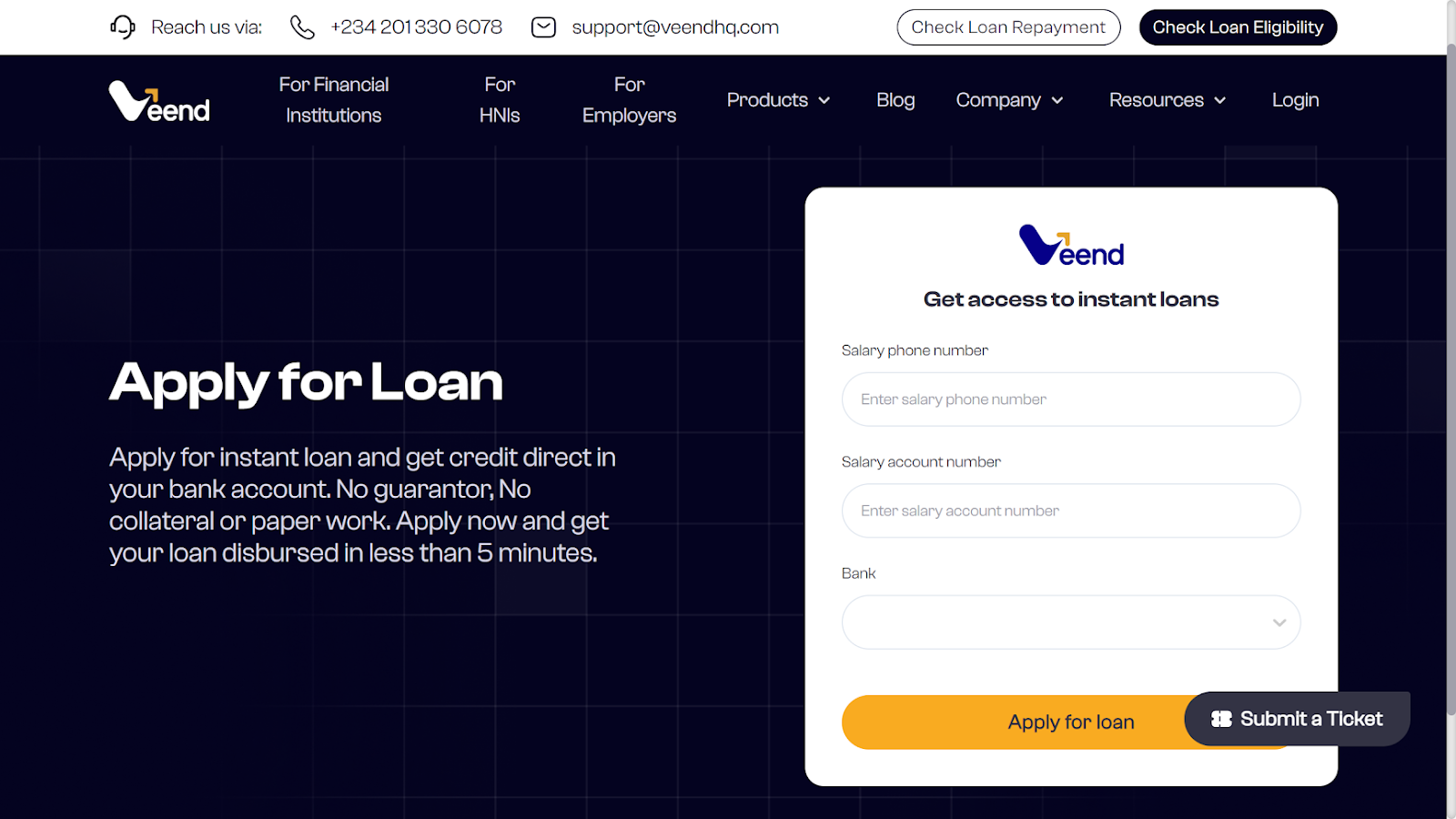
As part of the loan application process, customers may be required to provide their Bank Verification Number (BVN).If you are a first-time customer
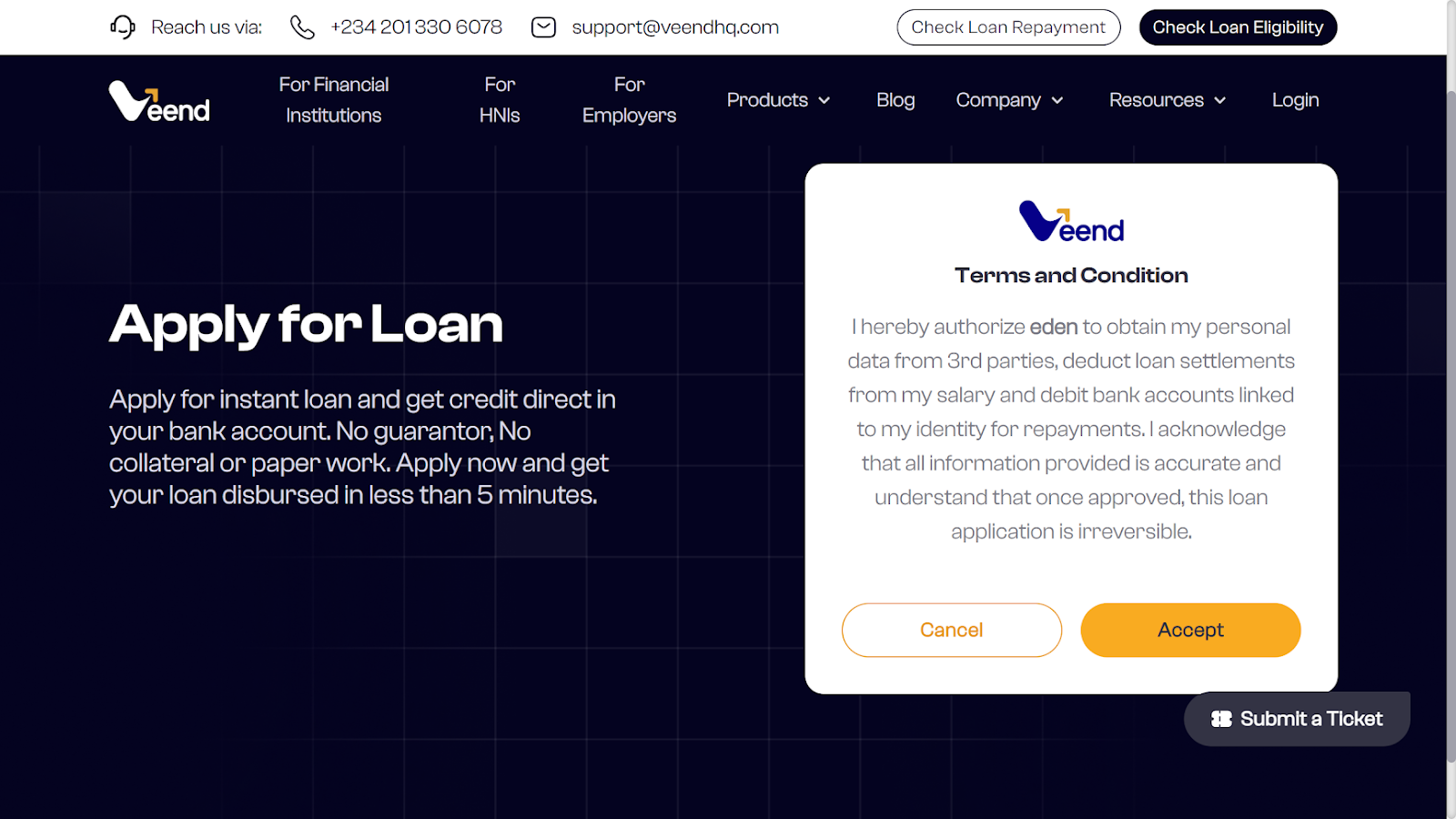
STEP 2: Agree with the terms and conditions of the loan request
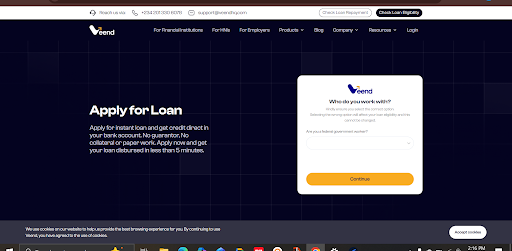
STEP 3: The system checks whether the customer is a Federal Government employee.
If yes: The customer is required to enter his or her IPPIS number and proceed with the loan application process.
If no: The customer proceeds with the loan application process.
STEP 4: The tiny amount (optional )
This tiny amount is sent to verify your identity and confirm that you are the rightful owner of the bank account. This amount is between #5 to #15
The purpose of this verification is to ensure that the loan application is genuine and to prevent fraud. Once the amount is confirmed, Veend can validate that the account details provided match the account holder’s information.
Next Steps After Receiving the Tiny Amount
Congratulations! You have successfully received the tiny amount in your bank account. This means you are one step closer to completing your loan application
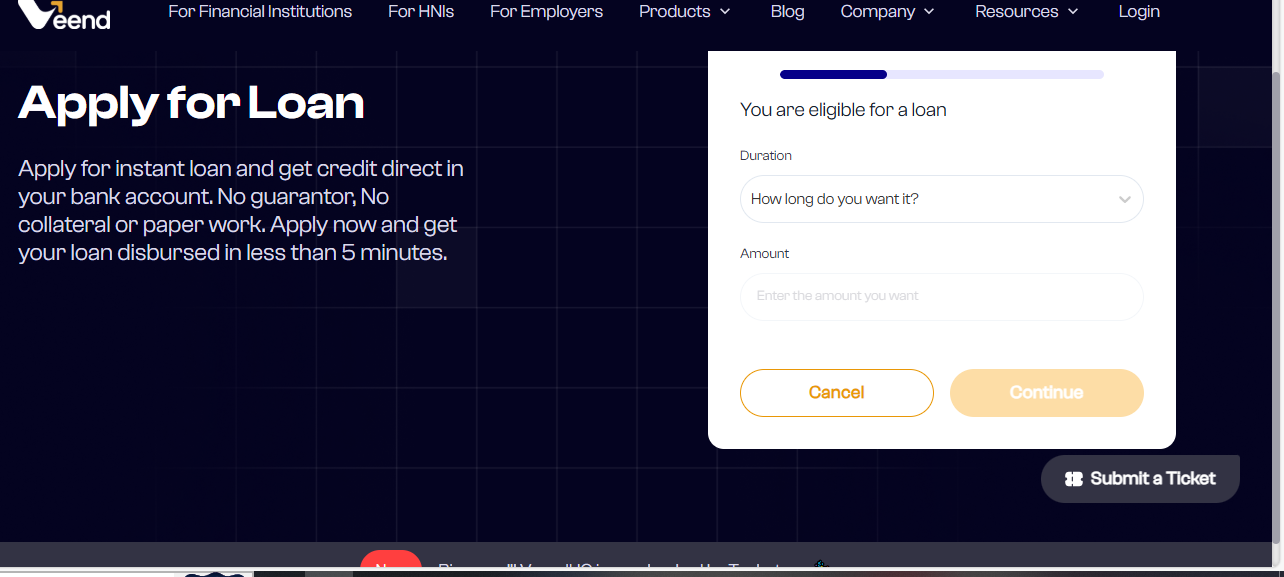
STEP 5: After submitting the required details, the system displays a breakdown of the customer’s eligible loan amount and duration.
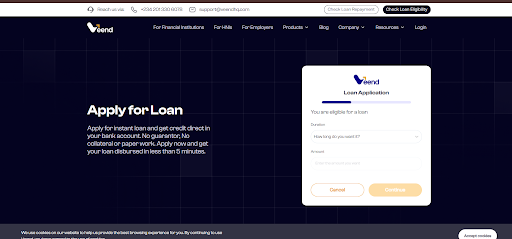
STEP 6: The customer selects a preferred loan amount and duration. This selection will show:
Eligible loan amount and tenure
Applicable loan fees
Interest rate
Monthly repayment amount
STEP 7: The customer reviews and agrees to the terms and conditions, including the monthly repayment schedule.
STEP 8: A four-digit OTP is sent to the customer’s registered phone number. Once the correct OTP is entered, the system automatically completes the loan application process, and the loan is disbursed in less than five minutes.
Was this article helpful?
That’s Great!
Thank you for your feedback
Sorry! We couldn't be helpful
Thank you for your feedback
Feedback sent
We appreciate your effort and will try to fix the article